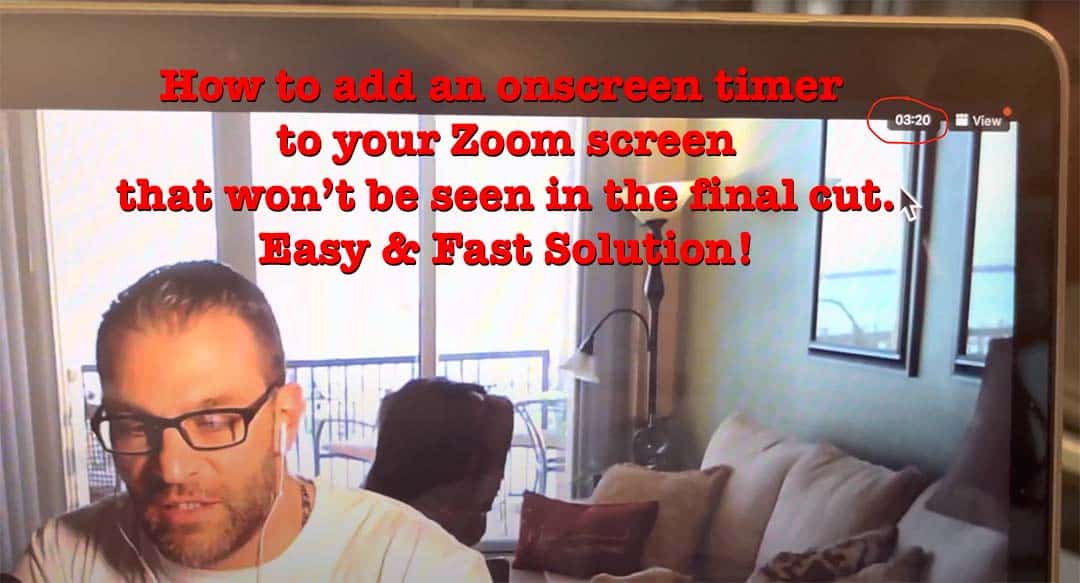
How to add an onscreen timer to your Zoom screen that won’t be seen in the final cut. Easy & Fast Solution!💪🏼
If you’re like me, editing video takes time and you don’t want to have to go back and watch the entire video again. With that said, here’s a quick and easy way to add an onscreen timer to your Zoom screen that doesn’t appear in the final production. In just a couple minutes you’ll see how to add an onscreen timer in Zoom so you, your intern, or your virtual assistant can edit videos you make quickly and easily. Thanks for watching and enjoy! ✌🏼
This short 99-second video shows you how to quickly and easily add an onscreen timer in Zoom that does not show on the final video.
Enjoy a Great Podcast? 🤓
Here's a Remarkable episode to continue the conversation and help you grow!

 Listen Now!
THANKS FOR LISTENING TO THE REMARKABLE PEOPLE PODCAST! 🎈
Click Here for More Remarkable Episodes on Almost Any Topic You Can Imagine.😃
DISCLAIMER: This is an affiliate article. We post affiliate articles with the intent of helping you grow. They are not written, researched, or necessarily endorsed by our team. They are simply content submitted to us by what appears to be respectable affiliate sources, people, and organizations, which upon initial review, seem solid and helpful to our community, so we post them. It is up to you to personally verify the facts, links, organizations mentioned, the validity of the information presented, and any/all claims made in the article(s). To report an issue with any of the information, links, or organizations mentioned in this, or any content posted on our website, or if you simply have a question or need something we can help you with, please contact us now.